






Table of Contents
ToggleMyMcFit helps members manage gym access and payments. It places class schedules, check-ins, and membership details in one app. Users open the app, sign in, and view their plan. The app syncs with gym terminals and with digital keys. It lets members update payment methods and pause or cancel memberships without paper forms.
Key Takeaways
- MyMcFit app centralizes gym management by providing digital membership cards, class bookings, and payment control in one platform.
- Members can easily update payment methods, pause or cancel memberships digitally, streamlining gym access and billing processes.
- The app syncs live with McFit clubs to ensure accurate schedules, class capacities, and membership status.
- Setting up MyMcFit with accurate personal and payment details enables smooth check-ins using digital cards or Bluetooth tokens.
- Booking classes early via MyMcFit helps secure spots, while the app sends timely reminders to avoid missed sessions.
- Regularly updating the app and using its support resources minimizes technical issues and keeps membership details current.
What Is MyMcFit And How It Works
MyMcFit is an app and web portal for McFit gym members. It ties a member account to a local club. The app stores membership data and displays access permissions. It sends digital membership cards to the phone. It shows class schedules and booking status. It reports check-in history and membership length.
Members create an account, enter personal details, and link a payment method. The system verifies the payment and activates access. The app communicates with gym turnstiles and scanners. It grants entry when the member shows the digital card or the app sends a token.
The app also supports multiple clubs. A member can switch the home club inside the app. The app updates class lists and opening hours accordingly. It syncs live with the club so schedules remain current.
MyMcFit updates membership status when staff change a plan. The app notifies the member about changes, renewals, or failed payments. It provides receipts and billing history for easy record keeping. The interface guides members through common steps with clear prompts.
The service fulfills basic needs for gym access, bookings, and account control. It reduces in-club paperwork. It speeds up check-ins and improves schedule visibility. Many users praise it for quick access and straightforward billing.
Key Features, Pricing, And Membership Management
MyMcFit lists features in clear menus. It shows membership type, next payment date, and contract length. It shows active benefits such as group classes or premium zones. It lists add-ons and shows related costs.
The app offers booking for group classes. It displays class capacity and remaining slots. It lets members reserve a spot and cancel within the allowed window. It sends reminders before class start times.
The app supports monthly and annual payment cycles. It accepts major credit cards and direct debits. It stores payment details securely and follows common security standards. It sends a billing confirmation after each successful transaction.
Pricing follows McFit club policies. Membership levels vary by location and by included services. The app shows a price breakdown for each plan. It shows taxes and any enrollment fees. It displays offers and temporary discounts when available.
Members manage billing inside the app. They update card details, change billing address, and view invoices. They pause a membership if the club permits it. They request a cancellation through the app when the club allows digital cancellation. The app shows contract end dates and notice periods.
MyMcFit supports family or multi-user accounts in some regions. It links secondary members to a master account. It displays usage for each linked member.
The app provides support links and FAQs. It offers common troubleshooting steps and contact options for live help. It stores the most recent responses so members avoid repeating basic information.
MyMcFit balances convenience and transparency. It gives members control over payments and bookings. It cuts time at reception and lowers the need for paper billing.
Tips For Using MyMcFit Effectively (Setup, Check-Ins, And Troubleshooting)
Set up the app with accurate personal data first. The member enters name, email, and birth date. The member links a valid payment method and verifies the card if prompted. The app sends a confirmation email after setup.
Allow permissions for Bluetooth and notifications if the member wants faster check-ins. The phone uses Bluetooth tokens to talk to some club gates. The phone also receives push messages for booking reminders.
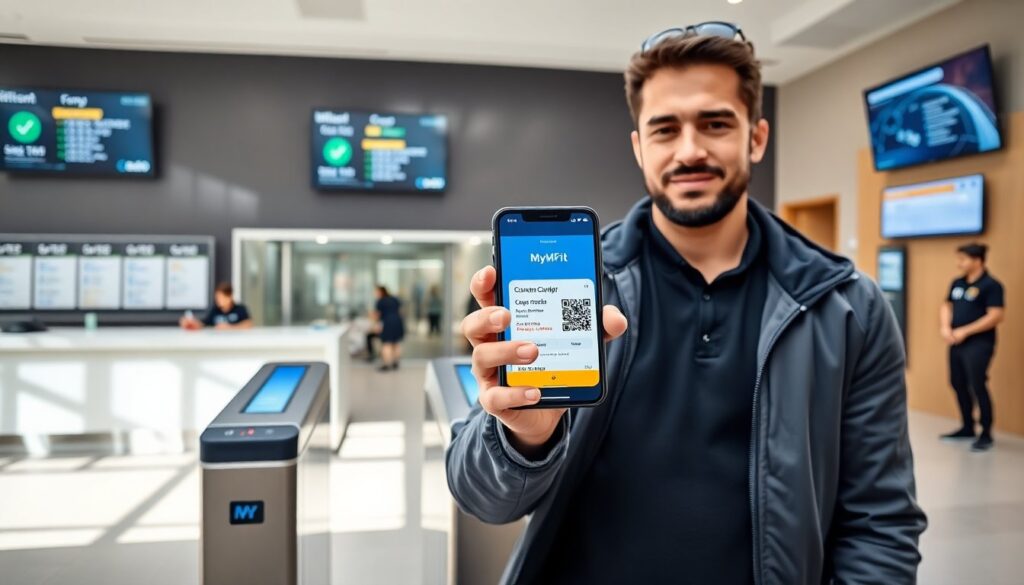
Use the digital membership card for entry. The member opens the app and taps the card or presents the QR code. The gate reads the code and grants access. Keep the app updated to prevent token errors.
Book classes early to secure a spot. The app shows available classes and capacity. The member reserves and cancels as needed. The app updates the waitlist if the class fills up.
If a check-in fails, the member refreshes the app and retries the digital card. The member checks network connection and reopens the app. The member also tries switching to offline mode if the club scanner supports it.
If payment fails, the app shows the failed transaction and the reason. The member updates the card and retries the payment. The app sends a receipt when the payment clears. If billing issues persist, the member contacts support through the app.
If the app shows incorrect membership details, the member checks the linked club and contract dates. The member reports errors with a screenshot. The support team reviews the account and replies through the app.
Keep the app updated and clear cached data when the app behaves oddly. The member closes and reopens the app if screens freeze. The app lists known issues in its help section.
MyMcFit makes daily gym tasks faster. Members who follow these tips reduce interruptions. They keep access active and payments current.